You can make minor edits to these subtitles if needed.
- Edit the Response
- In the righthand Settings sidebar, click the Subtitles button underneath the video.

- Use the text block to make edits to the subtitles.
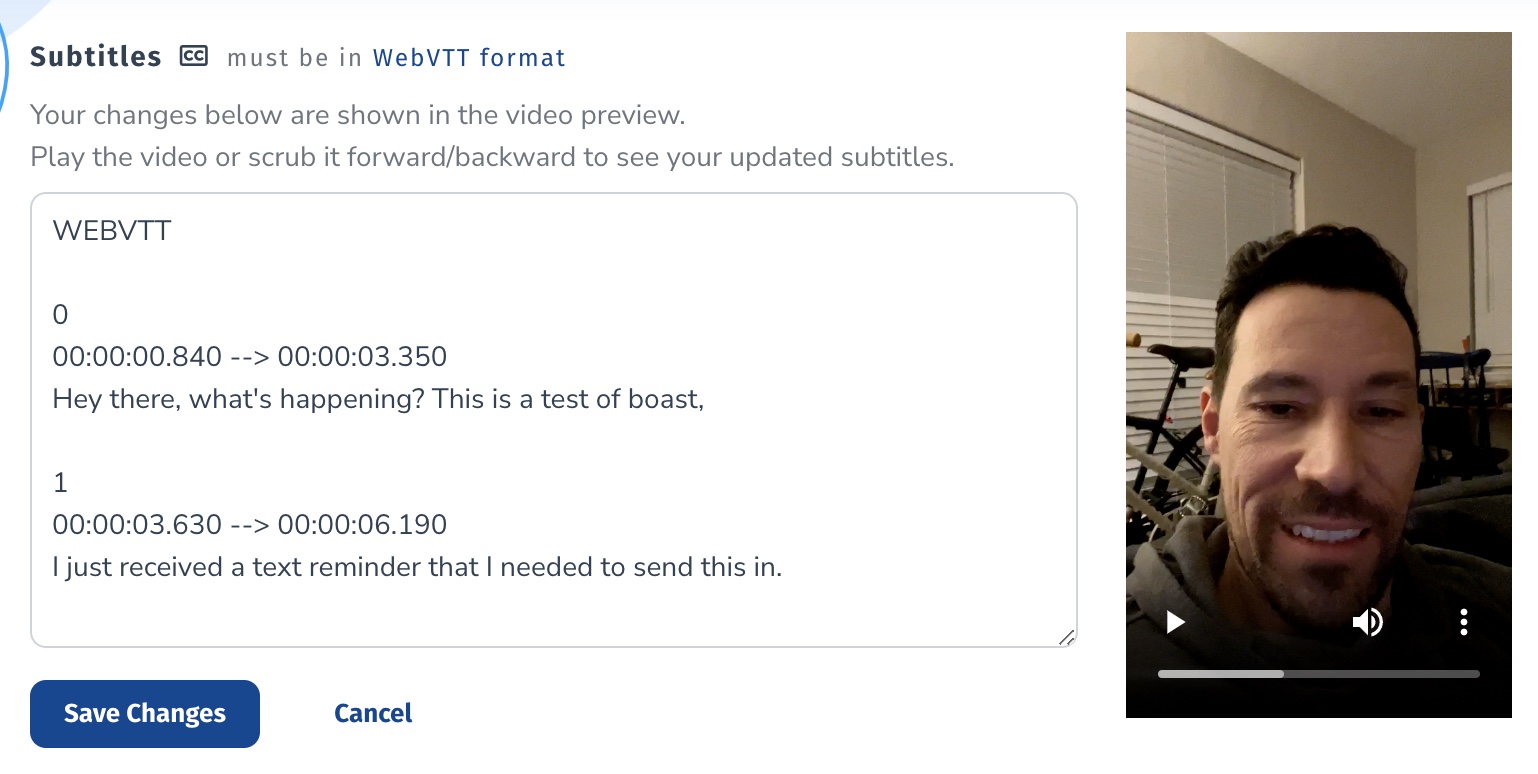
- Click Save Changes
![boat-logo-dark-blue.png]](https://support.boast.io/hs-fs/hubfs/boat-logo-dark-blue.png?height=32&name=boat-logo-dark-blue.png)
You can make minor edits to these subtitles if needed.