![boat-logo-dark-blue.png]](https://support.boast.io/hs-fs/hubfs/boat-logo-dark-blue.png?height=32&name=boat-logo-dark-blue.png)
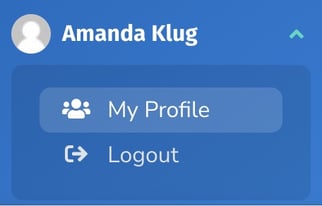
Click on your account in the bottom left corner. Under your name, click My Profile.
In the Email field, enter in your desired email address.

At the bottom of the page, click Update.
Note that changing your email address here will also change the email you use to log into your Boast account.